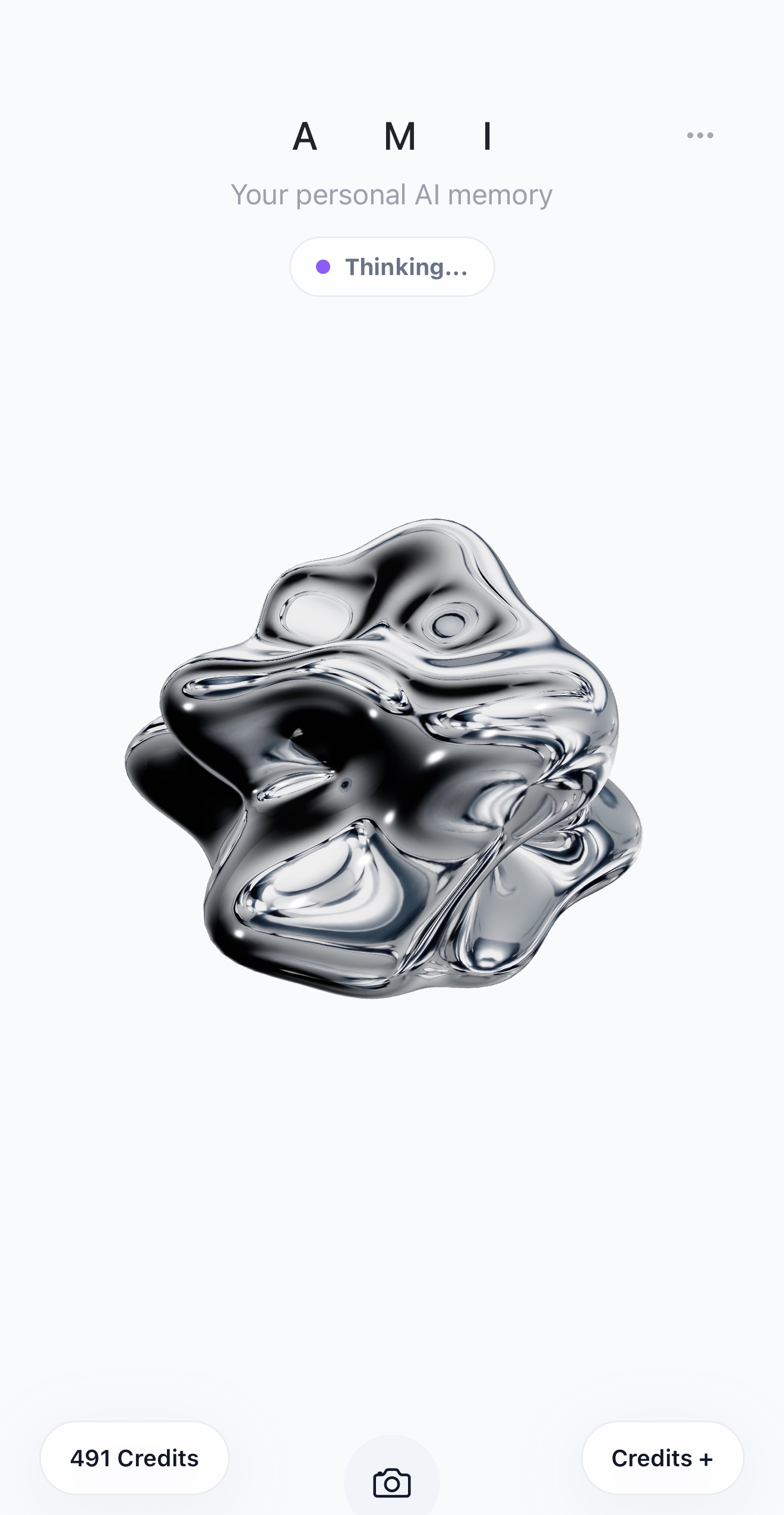
Talk in any language
Ask a question, think through a decision, plan something or simply talk. AMI understands and replies in the language you use.
Personal AI memory
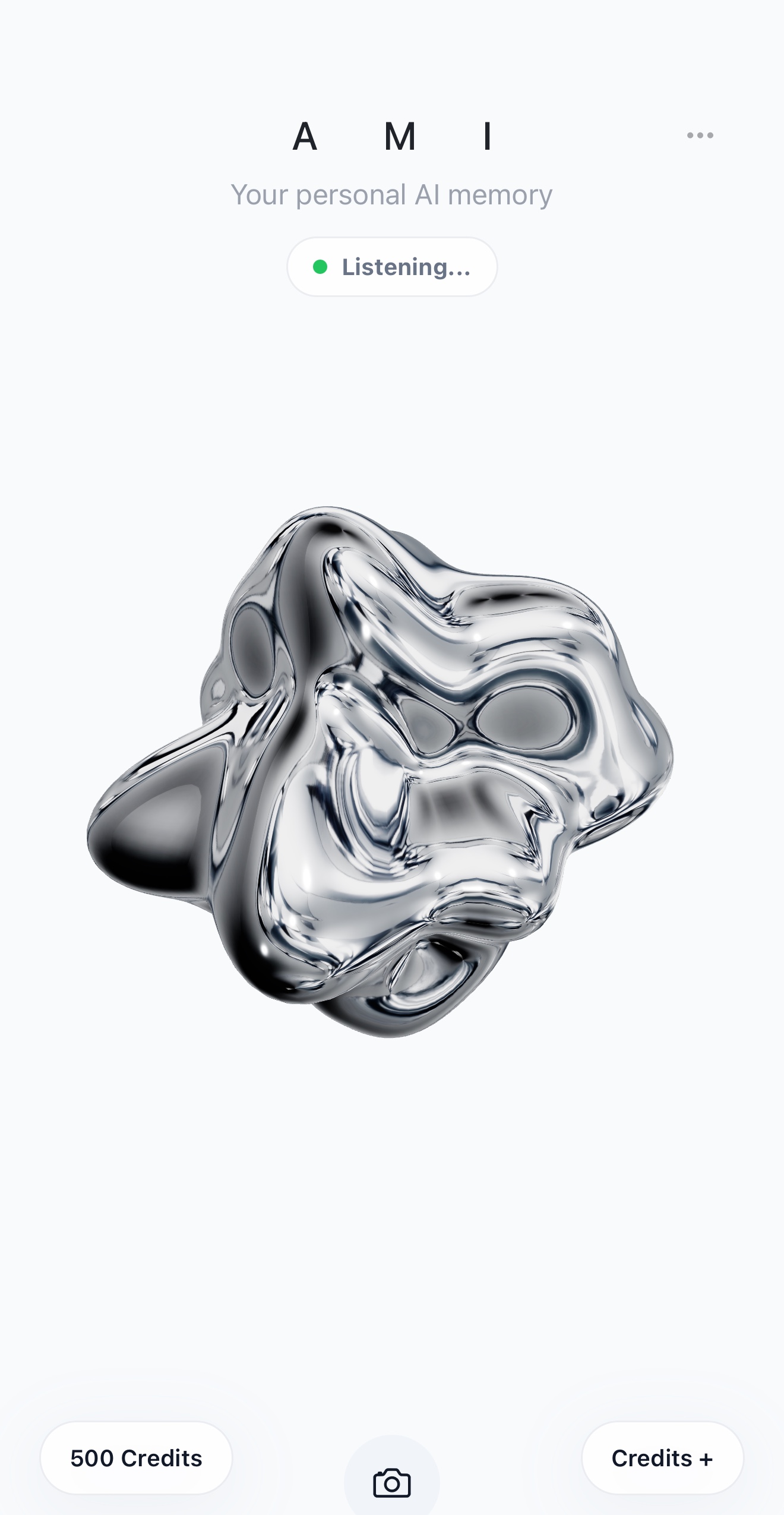
AMI is a voice-first personal AI for the things you want to say, save, remember and do. Have a natural conversation, capture a note, create a reminder or attach a photo — without stopping to type. Speak in any language: AMI understands and replies in the language you use.
01 Any language
02 Notes & memory
03 Smart reminders
04 Quick Access
AMI combines a conversational assistant, voice notebook, personal memory and reminders. No menus to learn and no perfect wording required — just say what is on your mind, in any language.
Realtime voice
Ask a question, think out loud, plan your day or simply talk. AMI listens in real time, understands the language you use and answers naturally in that language, so the conversation keeps moving without typing or rigid commands.
Conversation stays simple, while the things you explicitly ask AMI to save become useful notes, memories and reminders you can return to.
Ask a question, think through a decision, plan something or simply talk. AMI understands and replies in the language you use.
Say “add this to my notes.” Later, ask AMI to read your notes or delete the one you no longer need.
Save names, ideas, codes, places and everyday details in your own words, then ask for them later.
Set one-time, daily, weekly, monthly or yearly reminders and cancel active reminders by voice.
Attach a photo when a document, object, medicine or place is easier to recognise than describe.
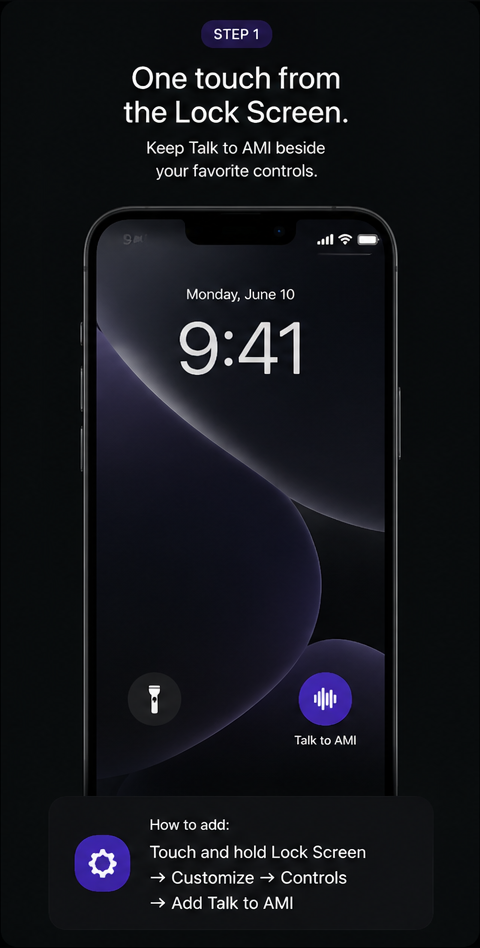
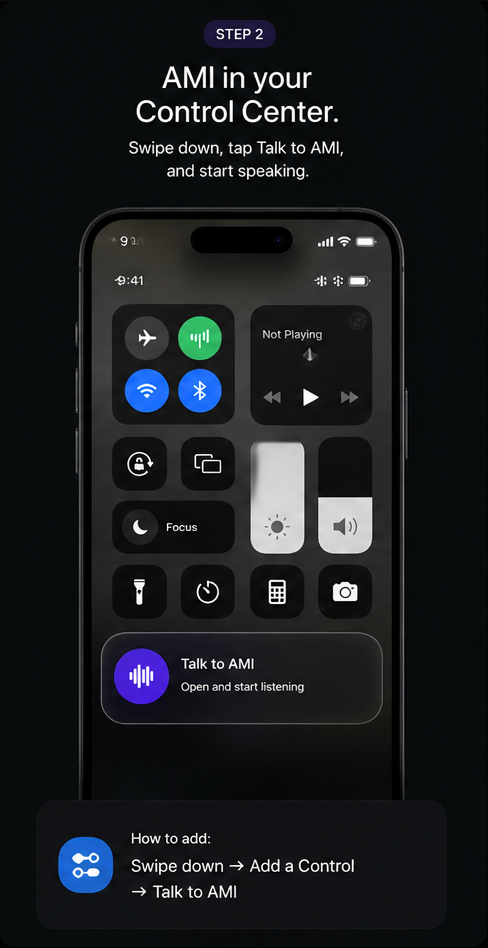
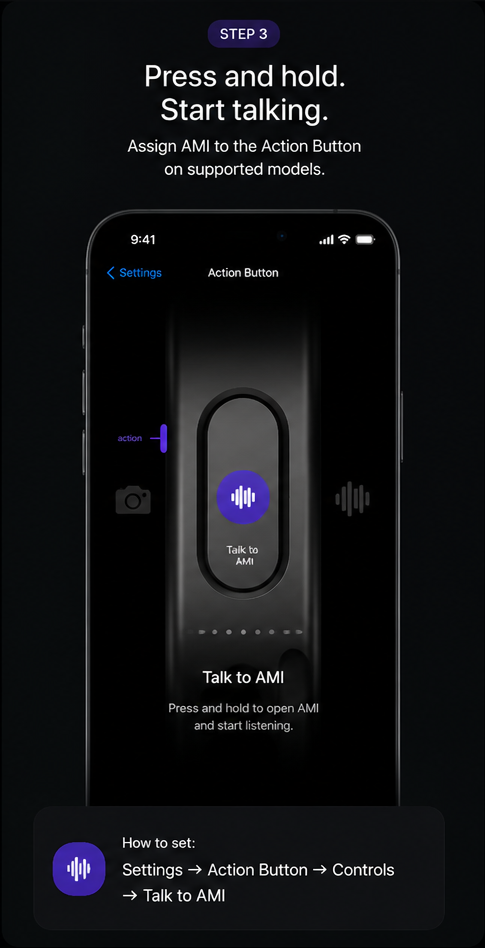
Put Talk to AMI on the Lock Screen, in Control Center or on the Action Button.
“Remind me to take the documents tomorrow at 8.” Create one-time or repeating reminders for selected weekdays, every month or every year. Ask AMI to cancel an active reminder whenever plans change.
AMI works as a simple voice notebook and personal memory. Save a thought, list your notes later, hear them read back or delete a note with your voice.
Add a photo when visual context matters — useful for documents, medicine, parking spots and things you want AMI to bring back with a reminder.
“Ami, can we think through what I should prepare for the meeting?”
Natural conversation“Add to my notes: the spare keys are in the blue drawer.”
Note saved“What is saved in my notes?”
Notes read back“Remind me every Monday and Thursday at 8 to take my documents.”
Repeating reminder“Cancel my reminder to call Anna tomorrow.”
Reminder cancelledQuick Access
Put AMI where your thumb already is. Launch straight into the app from the Lock Screen, Control Center or Action Button. Quick Access controls require iOS 18 or later; the Action Button is available on supported iPhone models.
Swipe down → Add a Control → Talk to AMI.
Touch and hold → Customize → Controls → Talk to AMI.
Settings → Action Button → Controls → Talk to AMI.
Private by design
Your AMI account keeps notes, reminders and credits connected to you. Sign in with Apple, clear account controls and transparent privacy information are built into the product.
Read the Privacy Policy ↗Meet AMI
Available for iPhone. Android is coming soon.
Download on theApp Store